
What is Magicals?
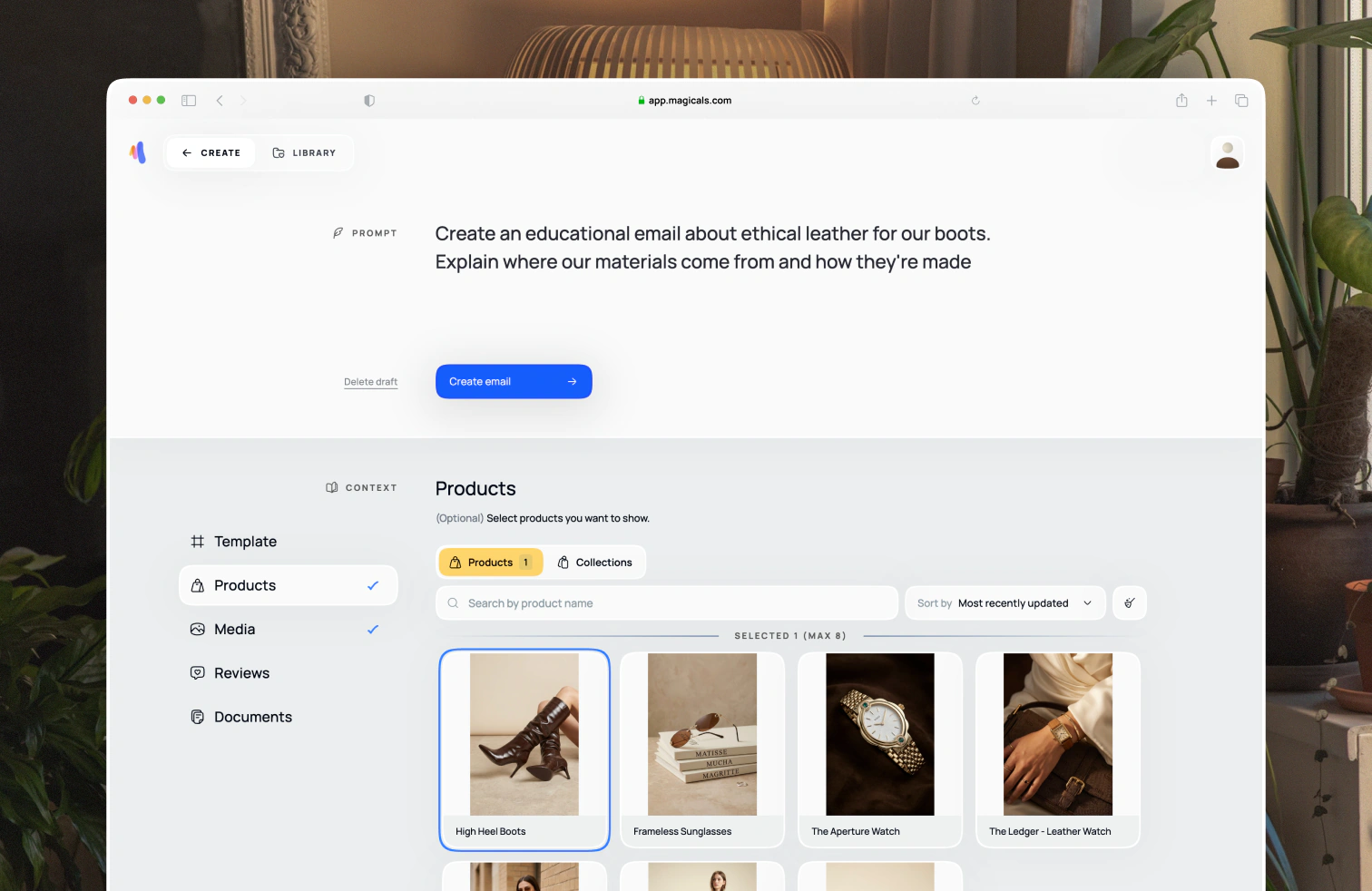
Magicals is built for Shopify ecommerce brands, for marketers and founders who don't have the time or budget to design emails themselves. You install it from the Shopify App Store at apps.shopify.com/magicals, and from there it generates email designs within 60 seconds.
Those designs work for both campaigns and flows, whether you need something text-only or image-heavy, and you can edit them afterwards.
You specify your brand once, design emails once and repurpose them, then export them to Klaviyo, or as HTML for another email service provider (ESP).
Mobile and desktop render the same design, and dark mode and light mode get the same consistent design. Emails are prebuilt with design components that convert, based on experience working with hundreds of ecom brands.
What Magicals is not
Magicals does not actually send or schedule emails. It is not an ESP, but you can export easily.
It doesn't have all the features that a design tool like Figma has. We try to find a balance between flexibility and efficiency, and you can't import your designs, though you can import sections as images from outside.
How it works
When you onboard, we pull in your branding from your website, which you can later edit.
You enter a prompt describing the type of email you want to create, and you can add additional context like specific products you want to use or files with marketing strategies. Alongside that, we pull in the right built-in context for best structure and copywriting practices for the email you are creating.
From there we use pre-built, known-to-convert design components, adapted to your brand, and the email gets created. You then edit it with final touchups like copy, imagery, padding, colors, backgrounds, etc.
If you like the email and want to repurpose it for an email sequence or other types of emails, you can save sections, or even better, use templates.
When you're ready, export the email to Klaviyo as a template, campaign or flow. If you use Shopify Email, Attentive, Omnisend or Sendlane, export as optimised HTML instead.
Getting started
Head over to the Quick Example page to get started.