
Styles
Set the email structure look and feel
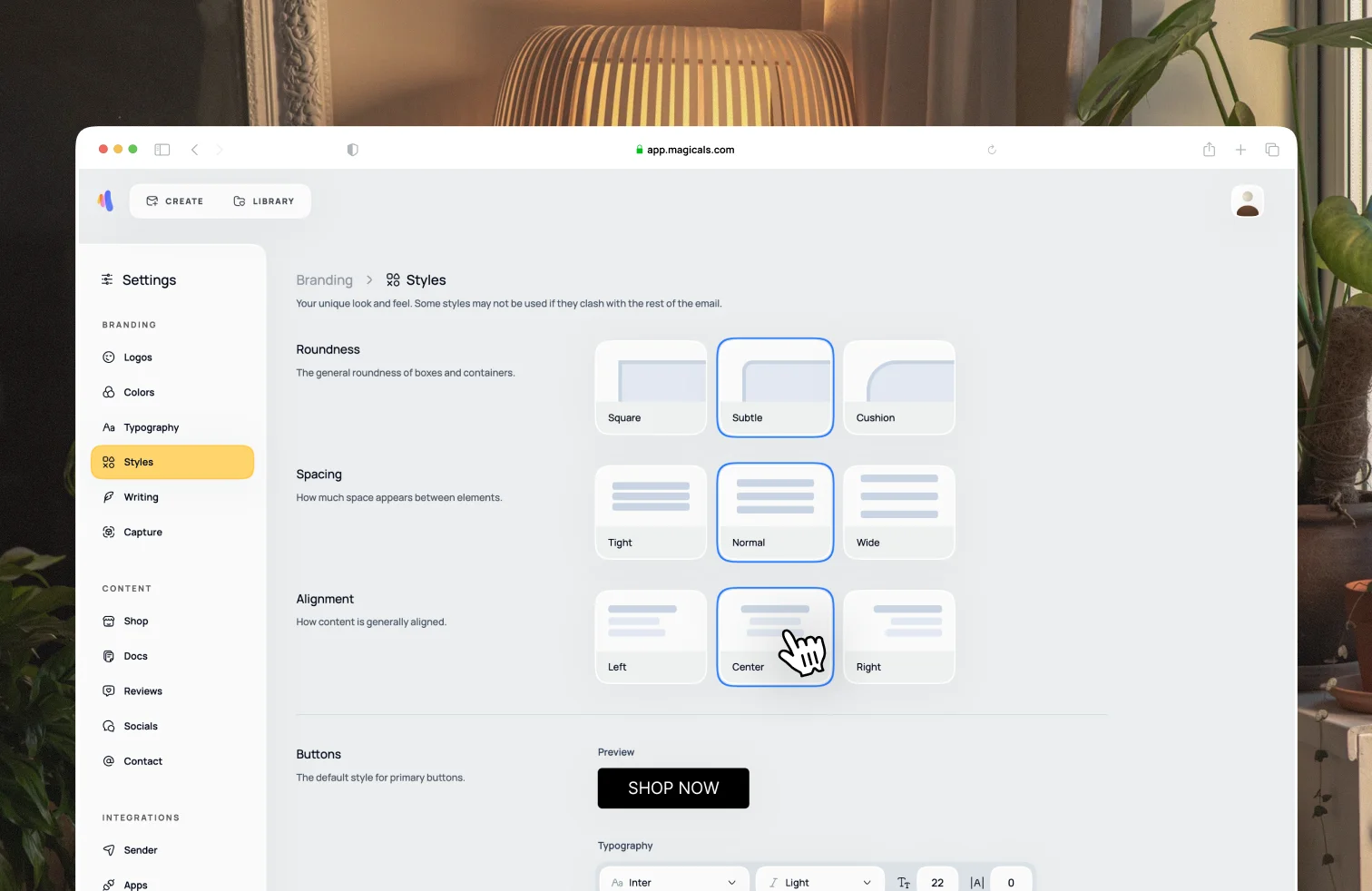
Open Settings → Branding → Styles. Styles determine the structure and layout of your email designs. You can adjust the roundness, spacing, alignment and button and icon styles.
The default styles are taken from your shop's website. Any changes will be reflected in future emails you create. You can always tweak styling or change icons with the email editor itself.