
Logos
Manage the default logos used in your emails
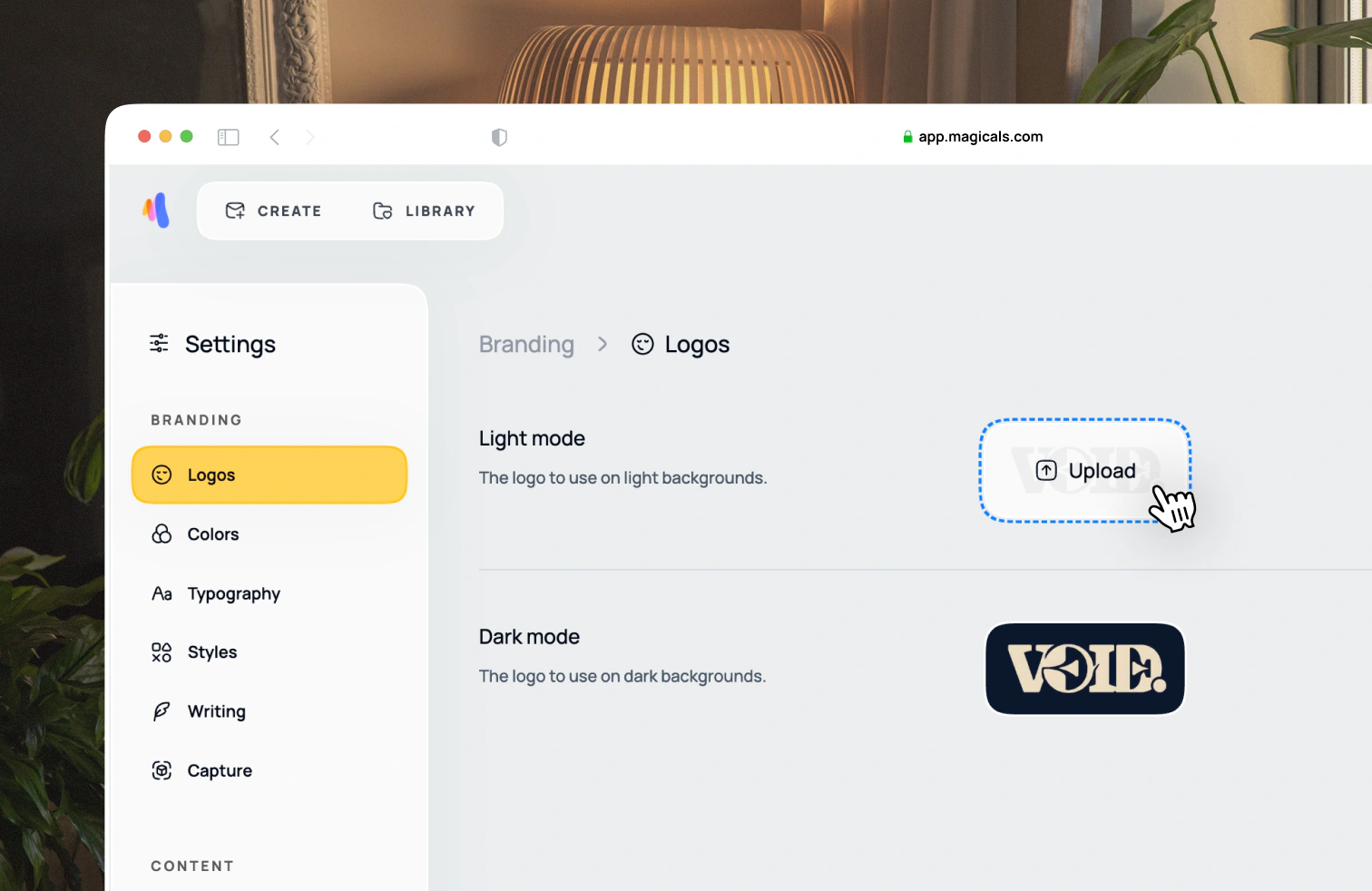
Open Settings → Branding → Logos. Two versions of your logo are required: light and dark mode. A light mode logo should work on light backgrounds, and a dark mode logo should work on dark backgrounds.
Later when editing an email design, Magicals will switch between these logos as you change the background color of sections. We recommend the same logo for both modes but opposite foreground colors, and a transparent background for both logos.