
Reviews
Manage which customer reviews are used in your emails
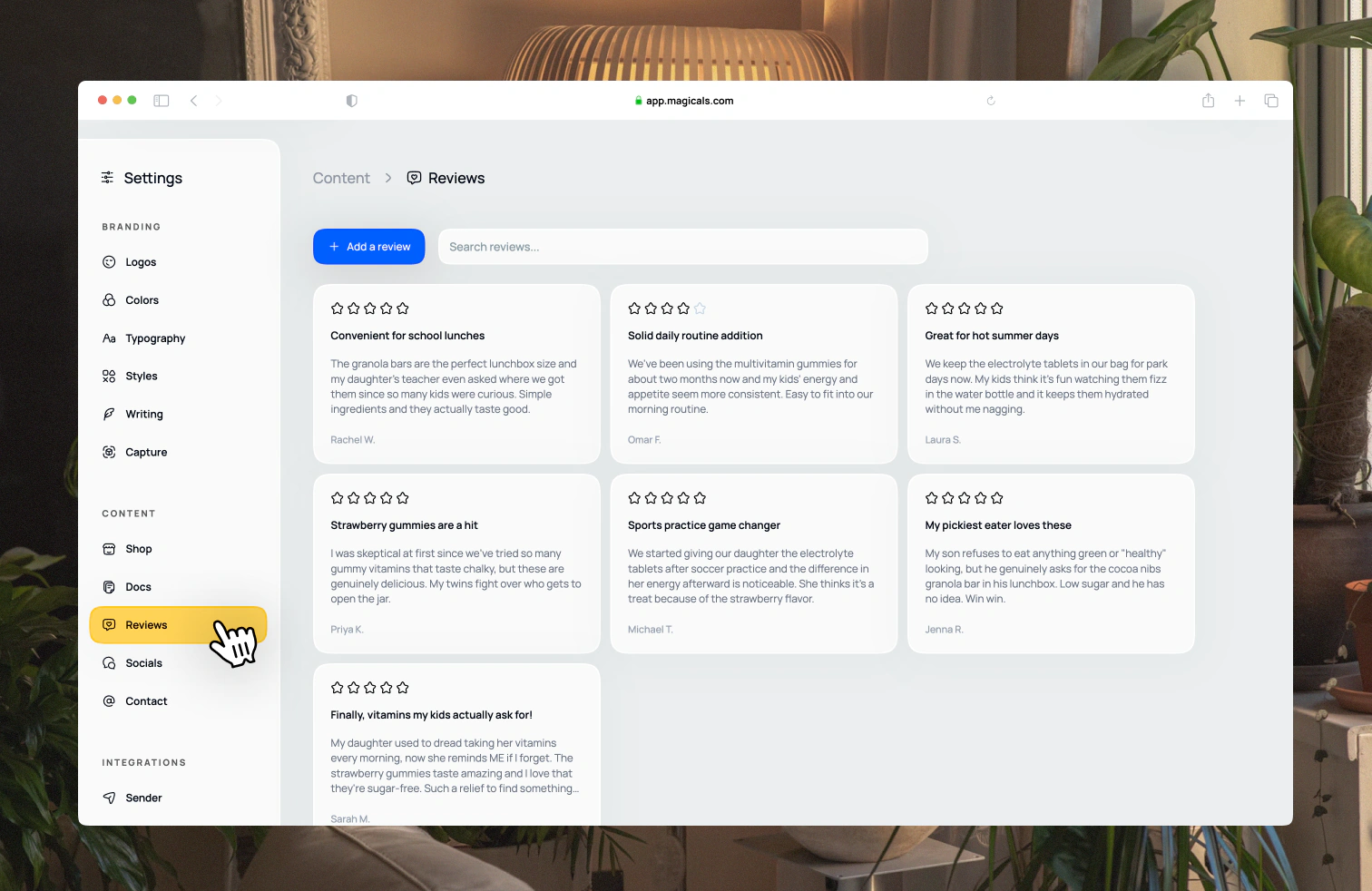
Open Settings → Content → Reviews. Reviews come from two places: reviews you add manually, and reviews imported from a connected review app.
Click Add reviews → Add manually to add a review yourself. Set the title, quote, author and rating. If you've connected Loox on the free Beginner plan, you can also upload a new reviews export here.
Use the From filter to show reviews from a single source, and search by quote or product to find the right review.
Click a review to see its details. Manual reviews can be edited or deleted. Imported reviews are managed in your review app.