
Products
Keep your shop data synchronized with Magicals
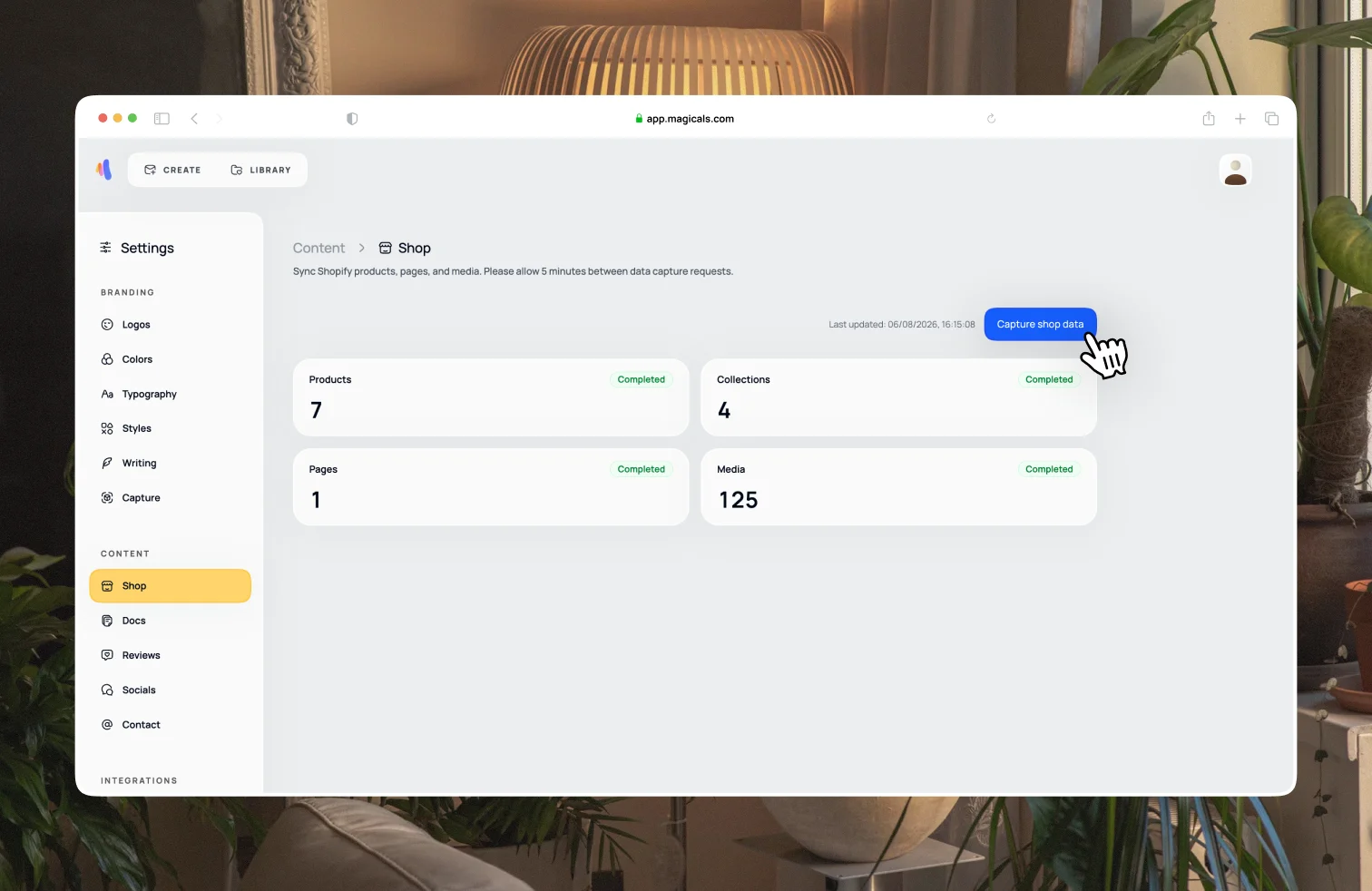
Magicals will automatically update the app as you update your shop's data. Any changes to products, collections, pages or media will be reflected in the app, including draft products and collections.
If anything seems out of date, open Settings → Content → Shop to manually sync up with your store. In the future, we will provide more control over what shop data can and cannot be used when you generate an email.