
Documents
Upload brand documents to use as context when creating emails
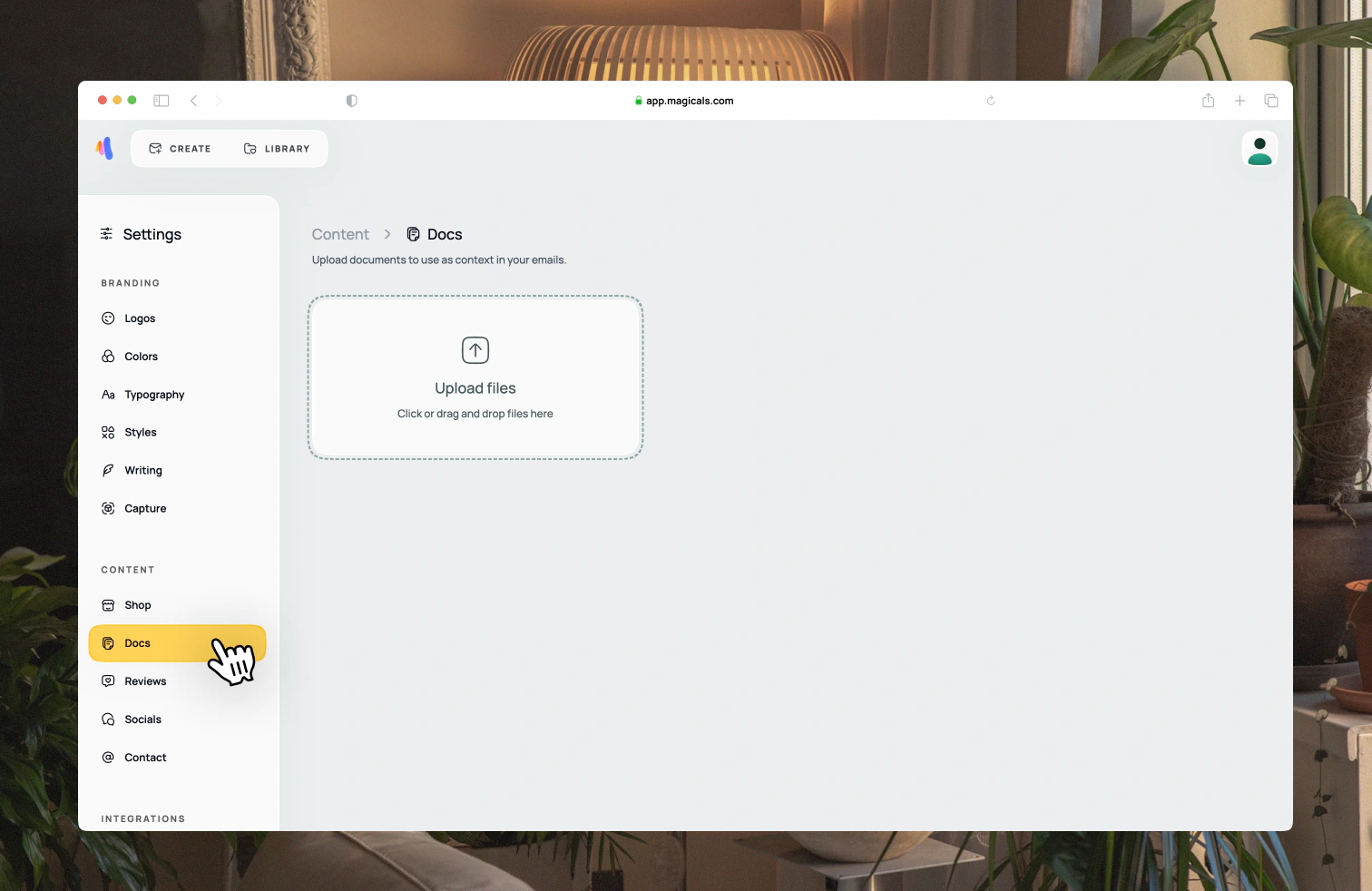
Open Settings → Content → Docs. Upload brand guidelines, style guides, or other documents to give your emails a consistent look and feel.
For each document, you can extract branding information such as colors and typography, and choose whether to use it as context when creating new emails. Documents set to Use in all emails are included automatically when you create an email. You can also add documents as context for a single email.
Adding too many documents will slow down email creation.