
Folders
Keep the Library easy to browse
Managing folders
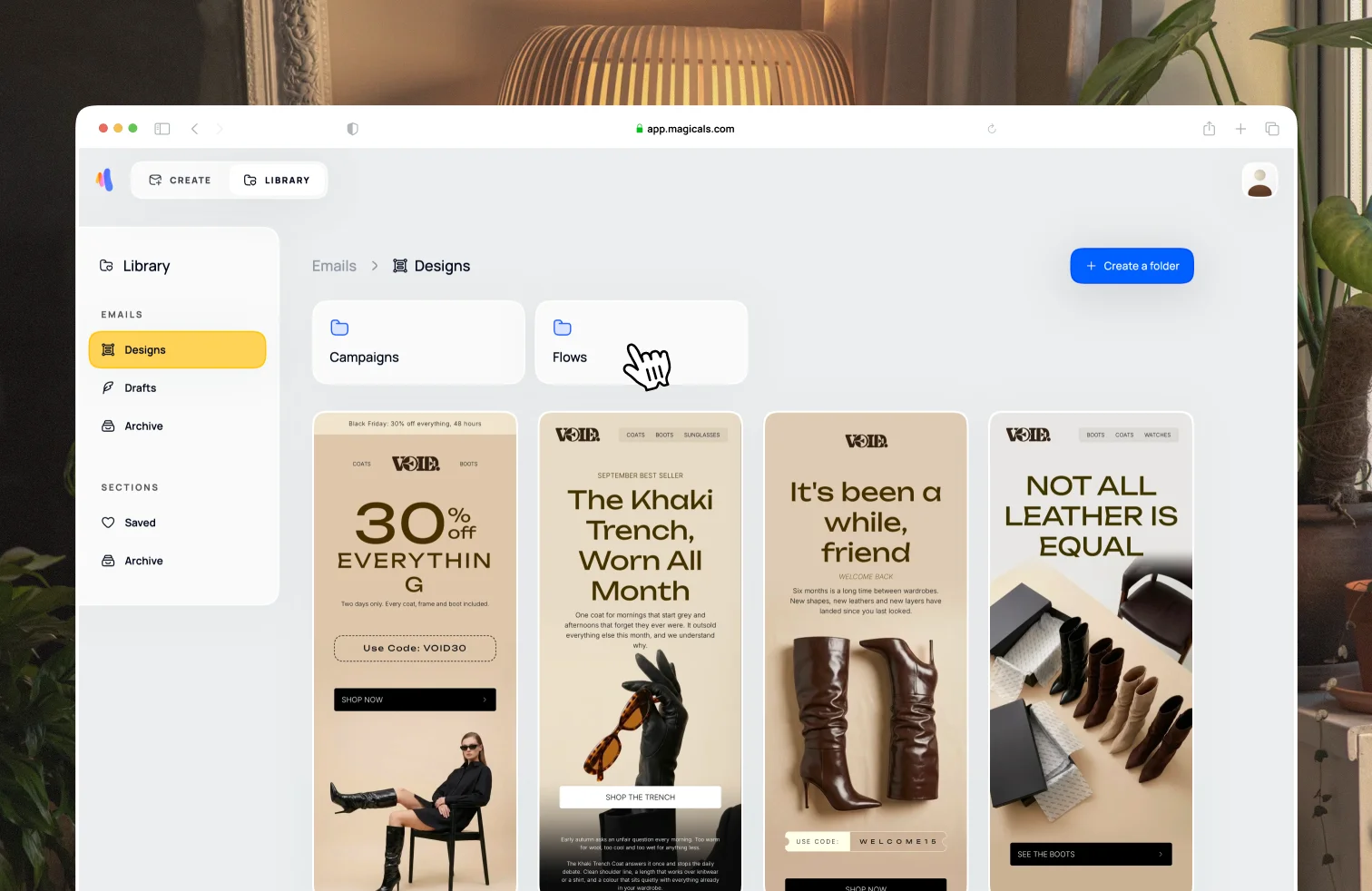
The library page can be accessed from the top navigation bar. Put related emails in folders. We suggest top-level folders named Campaigns and Flows. You can create folders within folders, rename a folder, move a folder to a different folder, or archive a folder.
Moving emails between folders
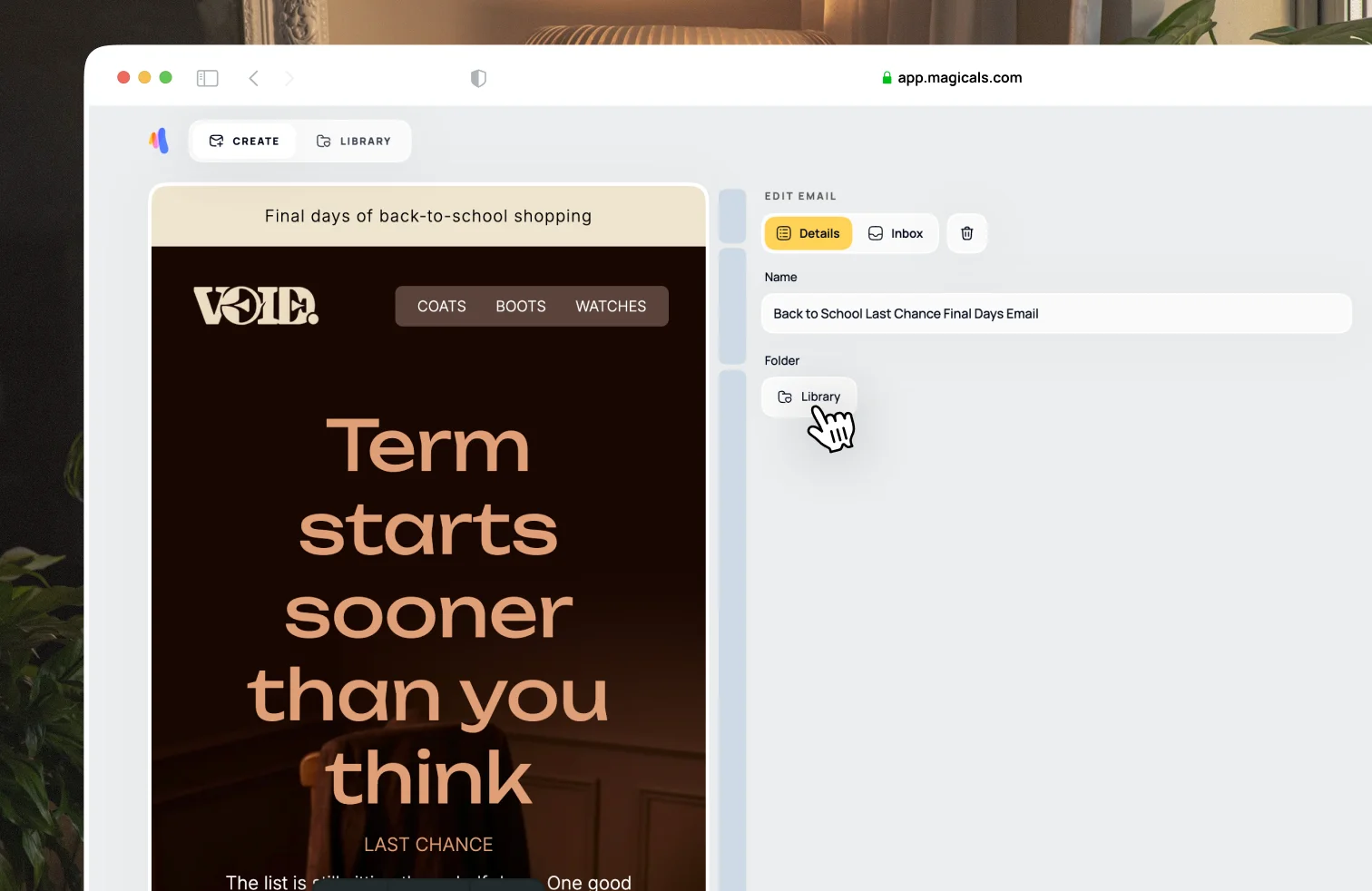
First open the email design. By default, the Details tab on the right side will be open. Click the button under the Folder heading to open the folder selector, then search and select the folder you want to move the email to.