Image
Open the preview and download as an image
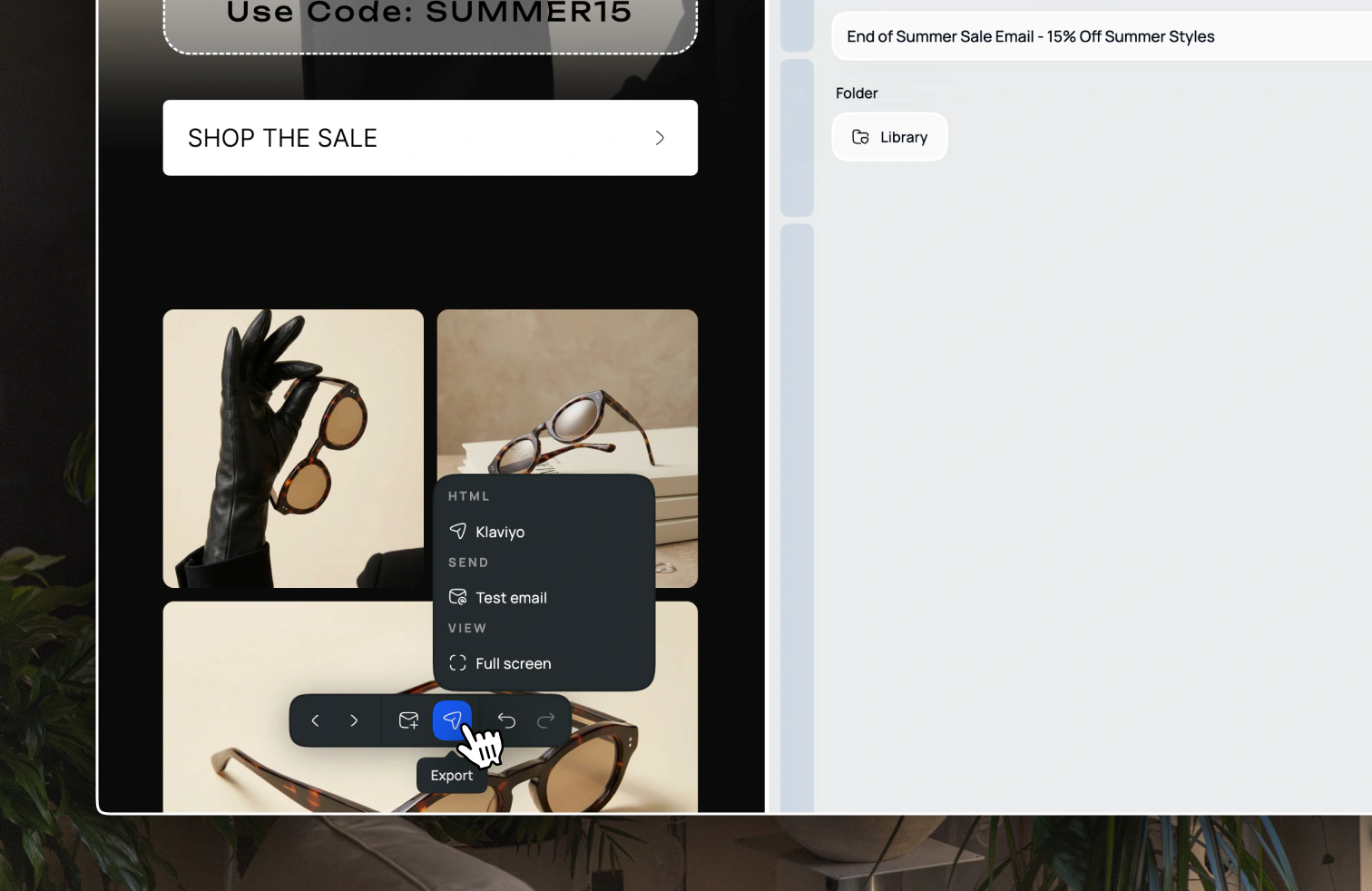
Open the email and choose Export → Full screen from the toolbar menu at the bottom of the screen. Right click on the image and select Save image as... to download the image to your computer.

Open the preview and download as an image
Open the email and choose Export → Full screen from the toolbar menu at the bottom of the screen. Right click on the image and select Save image as... to download the image to your computer.