
Personalizing emails
How to use dynamic sections
Dynamic vs static sections
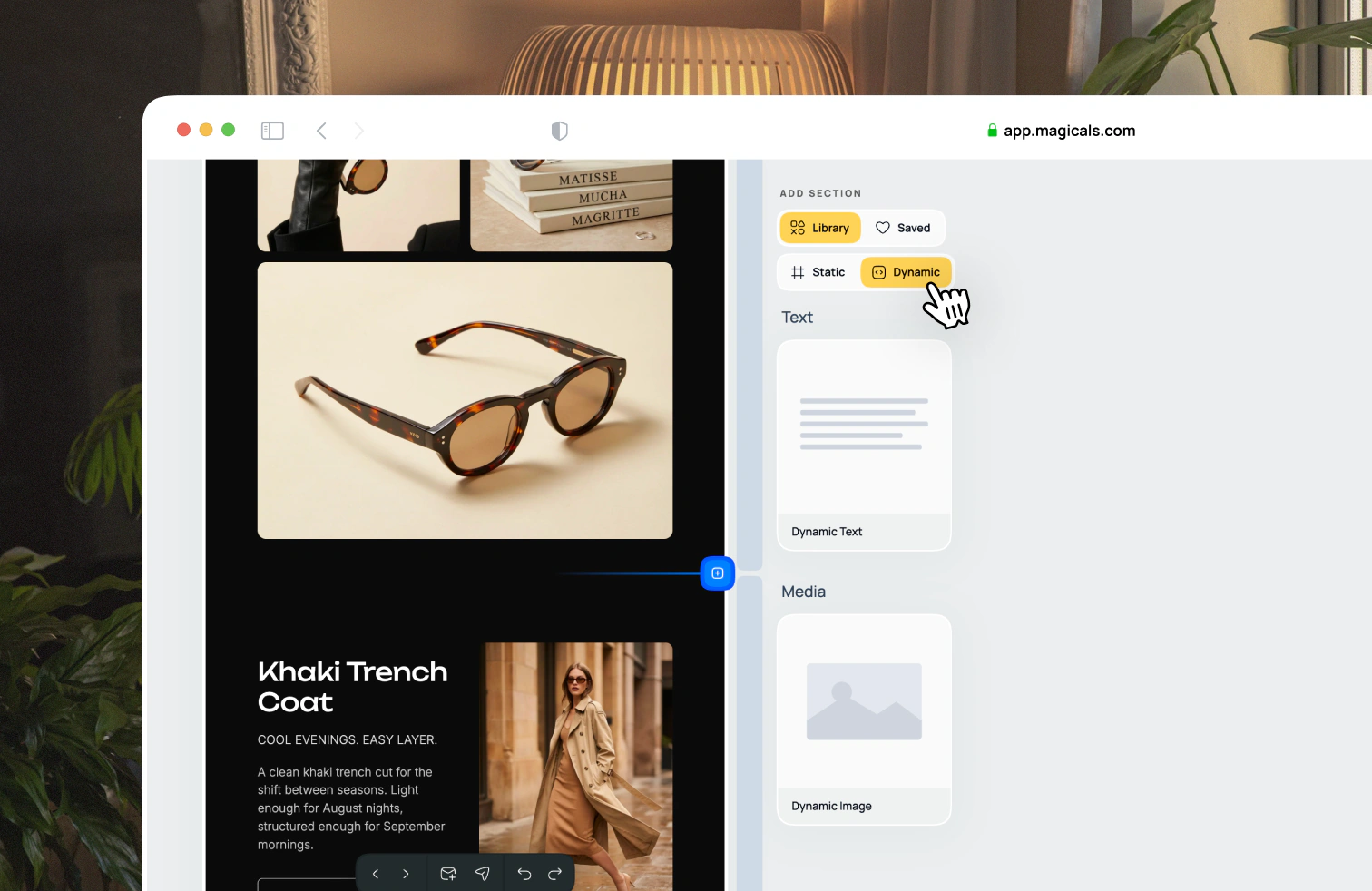
There are two types of sections: static and dynamic.
Static sections stay the same no matter who you send them to. The design you see in Magicals is the same as the one opened in email inboxes. These sections are rendered as image slices when you export the email as code.
Dynamic sections render differently based on who the email is personalized for and in which inbox they open it up in. You'll see a small icon in the section's side panel to indicate if it's a dynamic section or not.
Using personalization tags
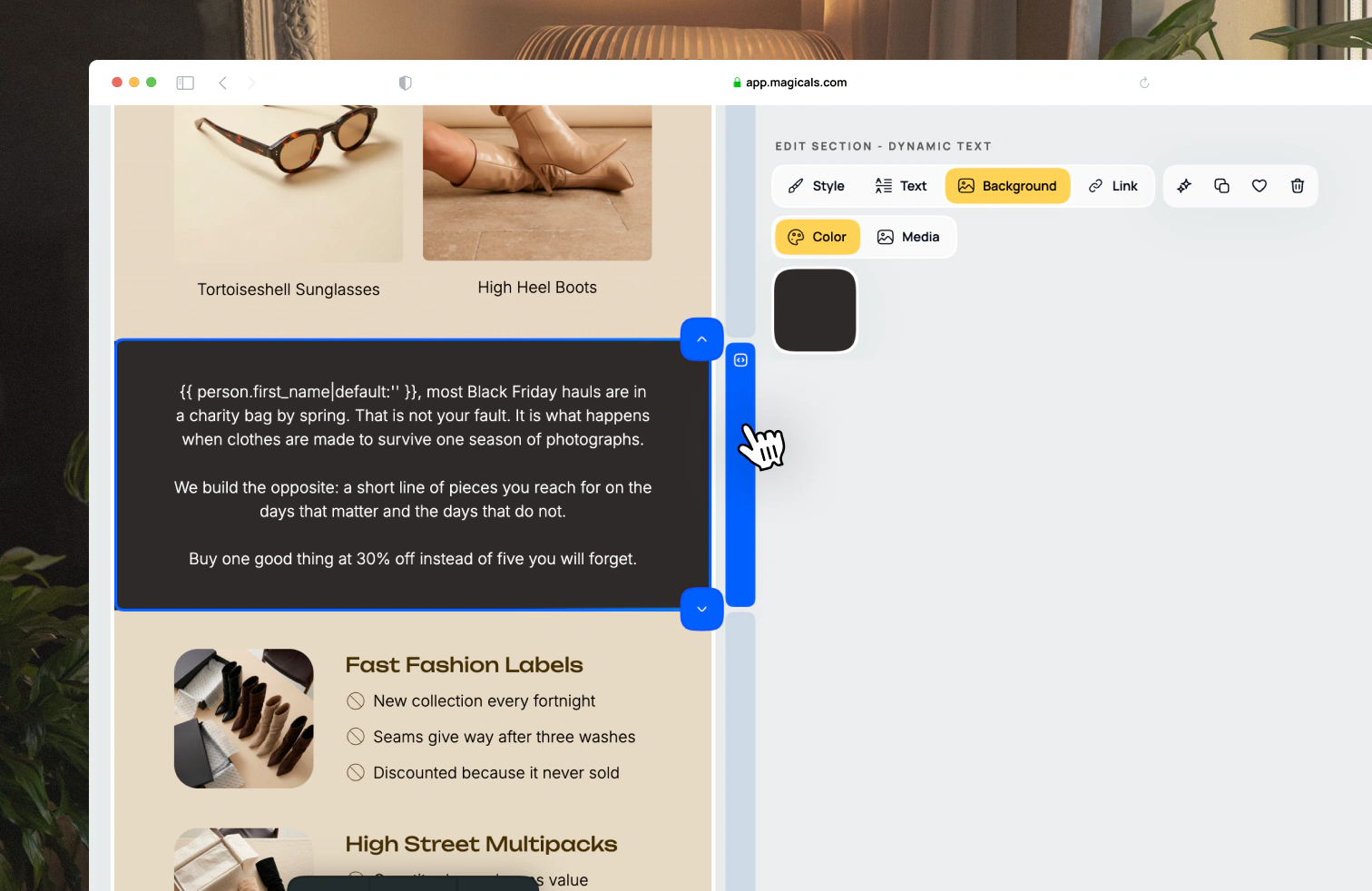
The format of personalization tags depends on your email service provider (e.g. Klaviyo). Refer to their documentation for the correct tag to use.
Right now we have two types of sections that can use personalization tags: text and image. More will be added in the future.