Quick example
Go from signup to a ready-to-send email in 5 minutes
This example creates a short email for a new product.
Install Magicals
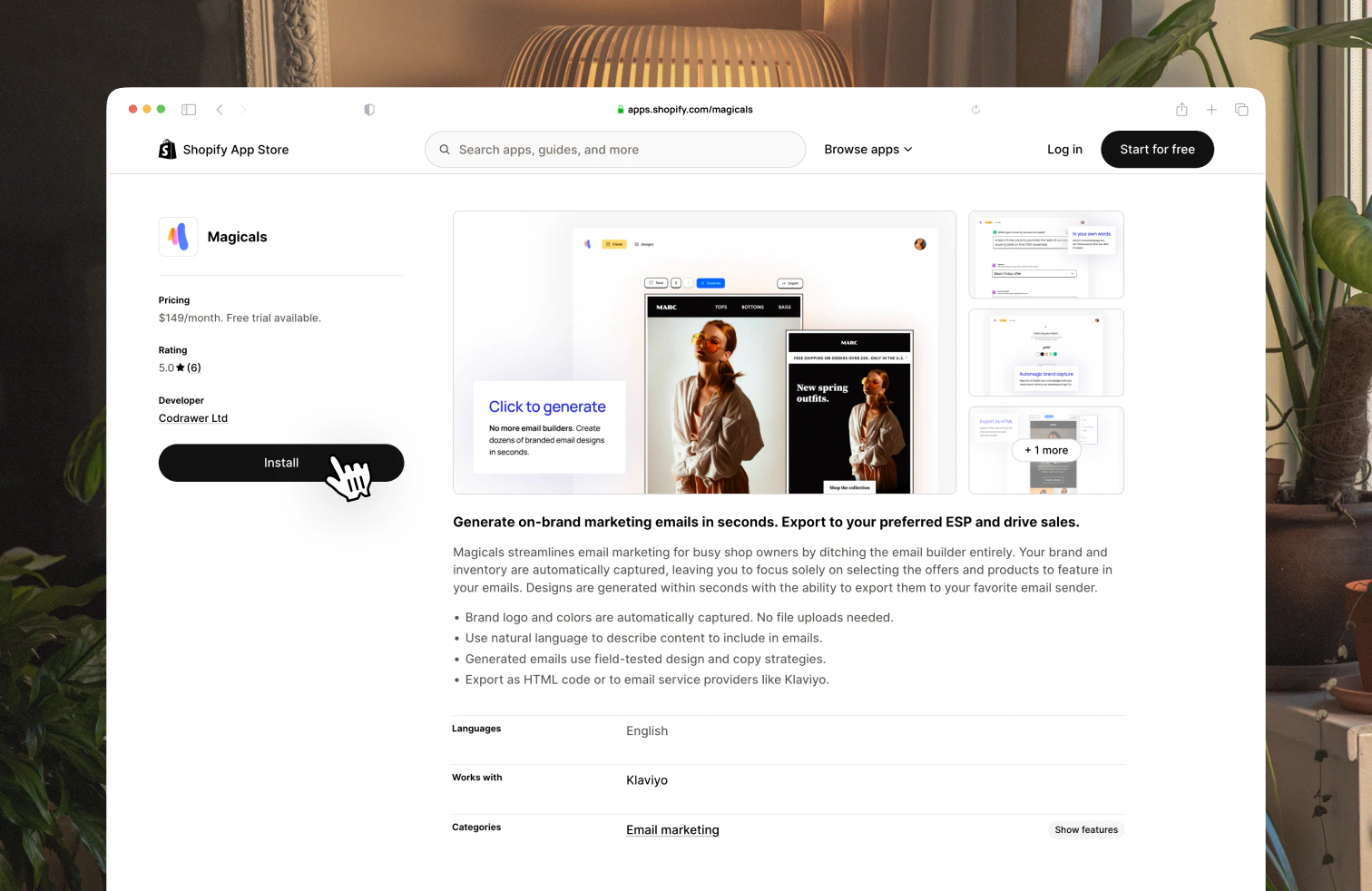
Go to apps.shopify.com/magicals, choose your store and install the app.
Create your first email
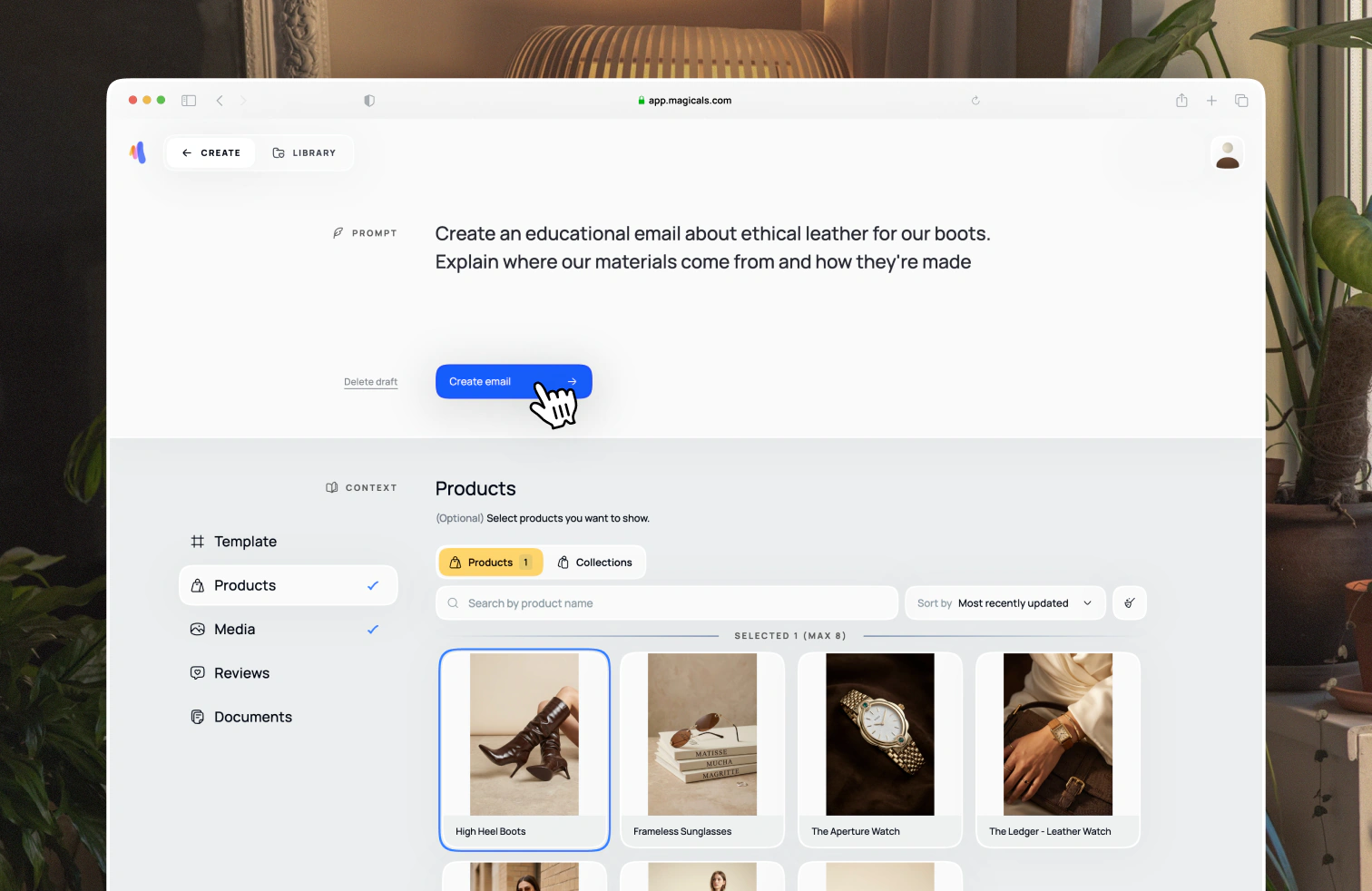
Now you're on the create page, enter the prompt below to create a Welcome Email for new subscribers to your newsletter:
Create a welcome email for new subscribers. Mention the benefits of using our products.
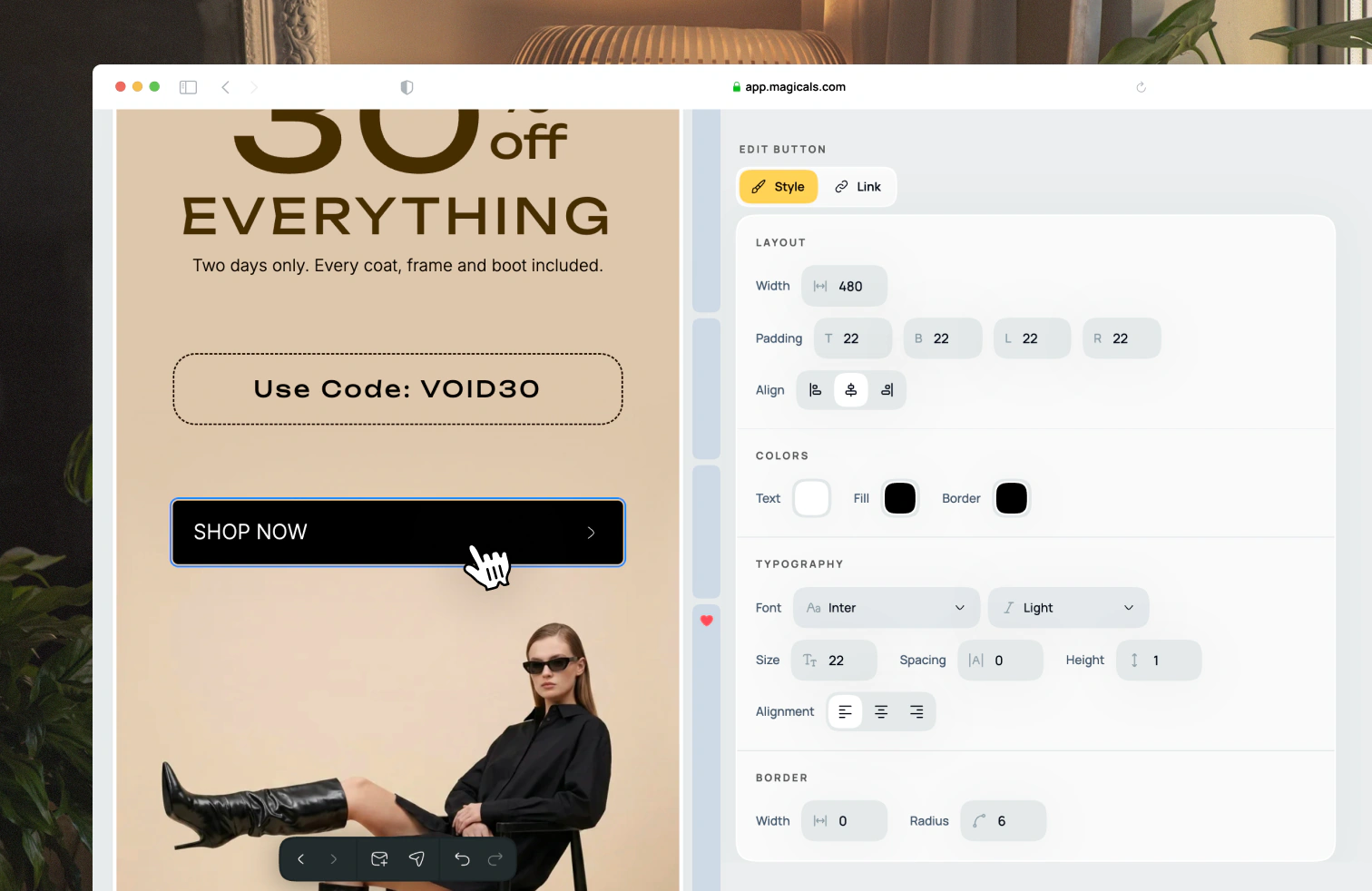
Make some edits
Once the email is generated, add your final touches by editing, adding or removing sections.
Export your email
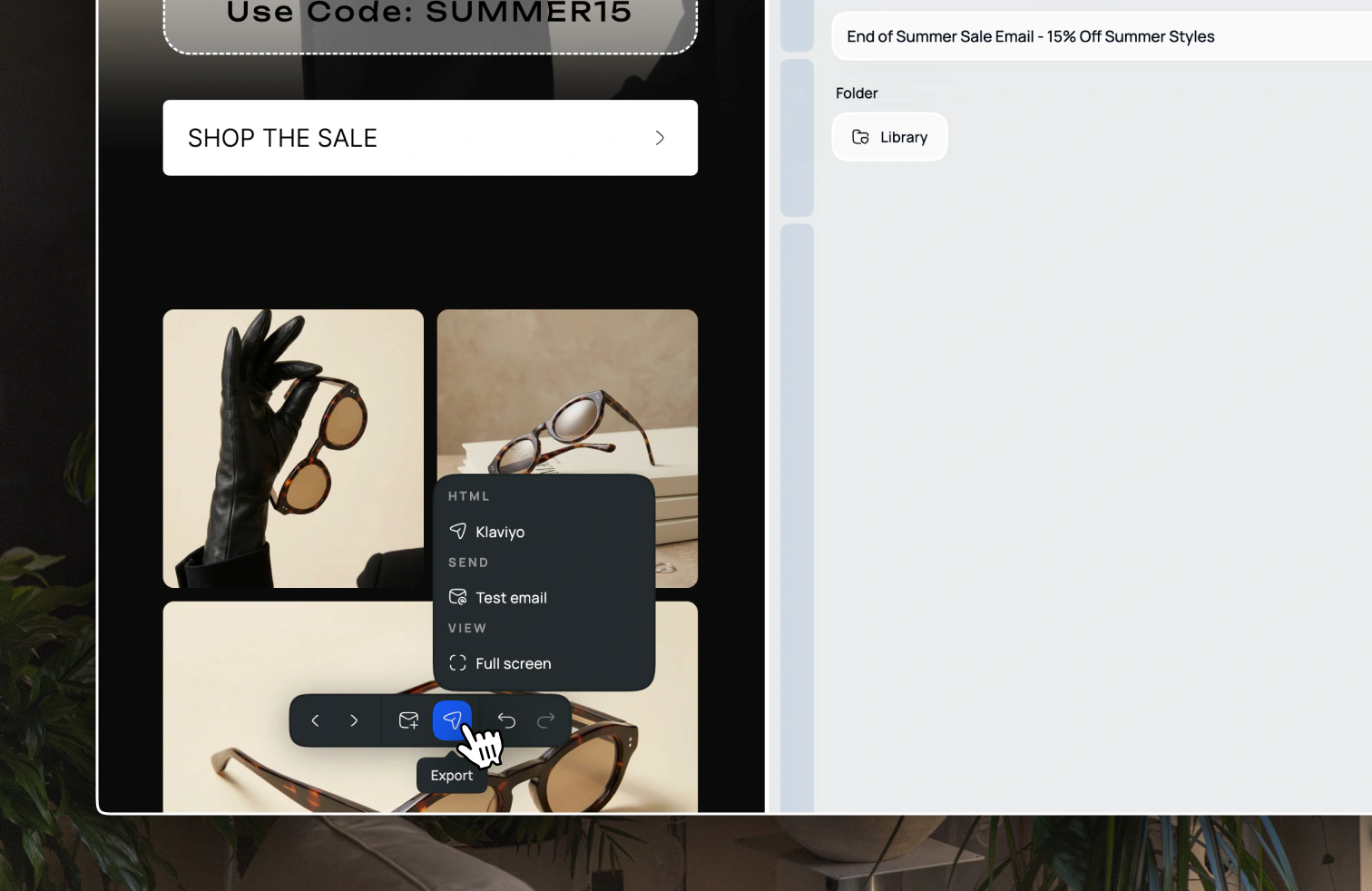
If you use Klaviyo, export from the toolbar to send the design to a template, campaign or flow. For other senders, copy or download the HTML and paste it into your ESP.