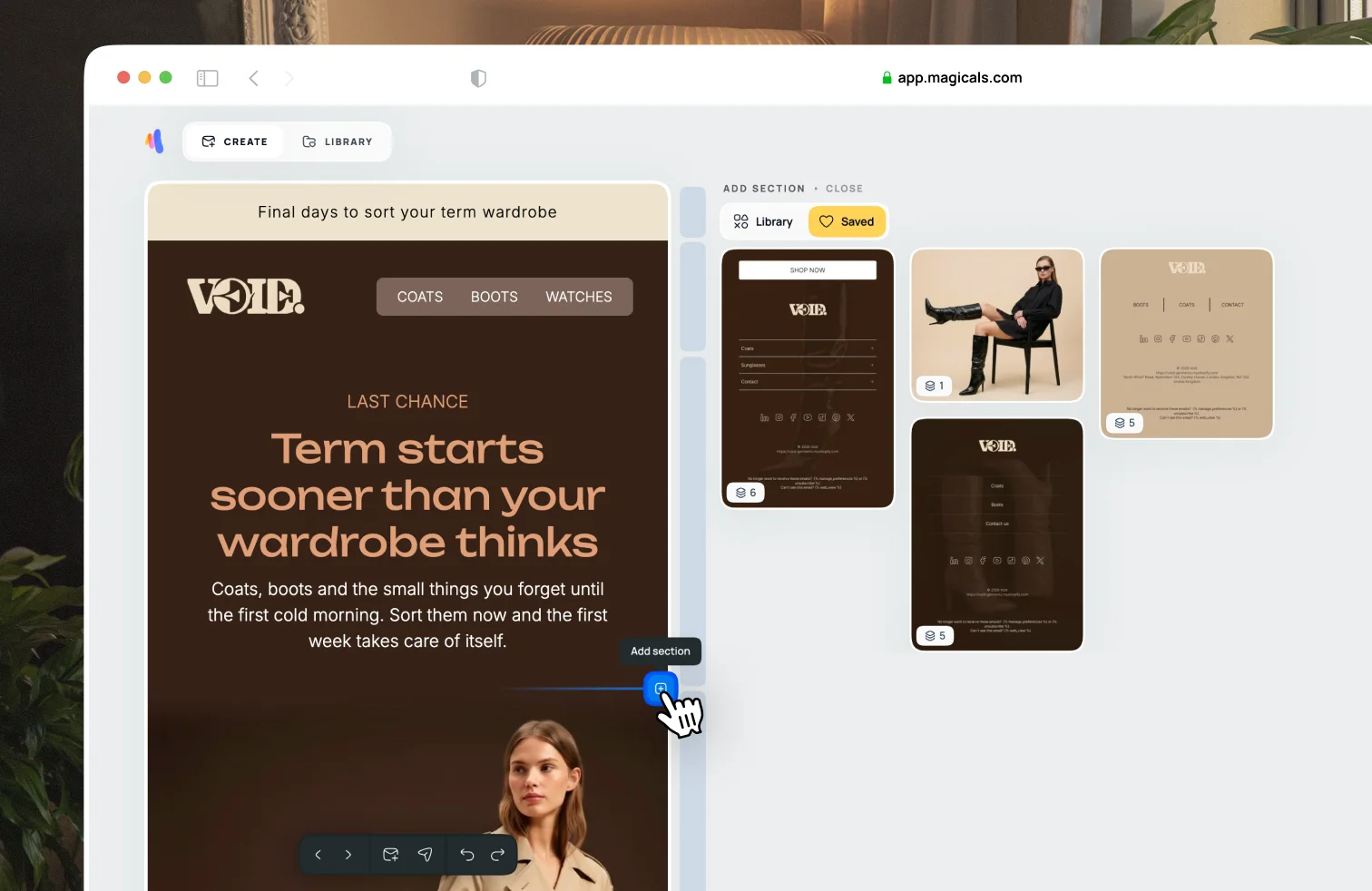
Saved sections
Save parts of an email you want to reuse
You can save sections that you want to use in other emails. There is an easier way to reuse designs via Templates.
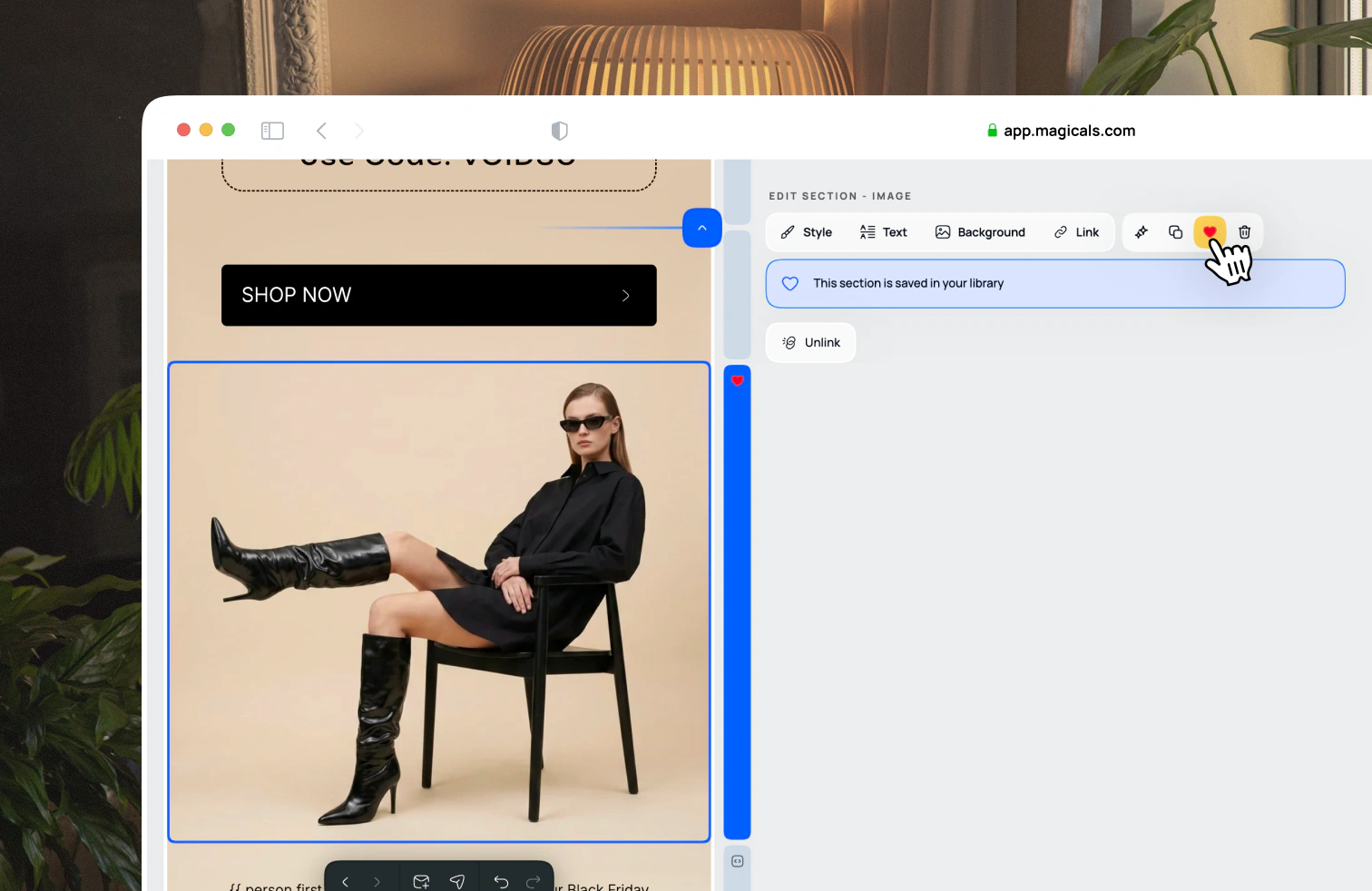
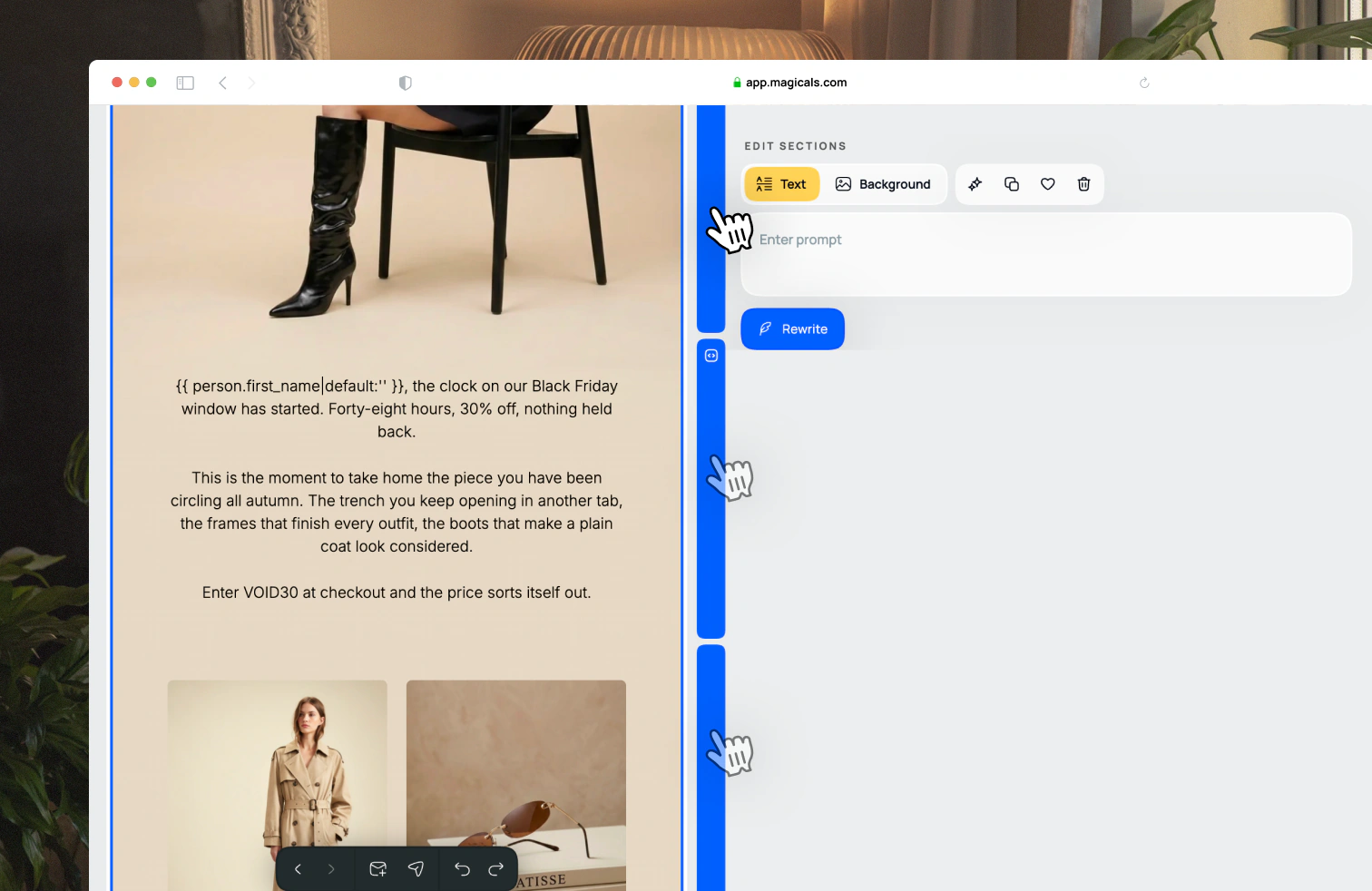
Select an email design. Select a section from the side panel, or select multiple sections by holding down SHIFT and selecting sections. Click the heart icon in the section editor panel to add the selected sections to your library.
To insert saved sections into an email, hover over between sections and add a section. Open the library tab to find your saved sections.