
Using Figma
Import designs from Figma as images
Export your section design as in image from Figma.
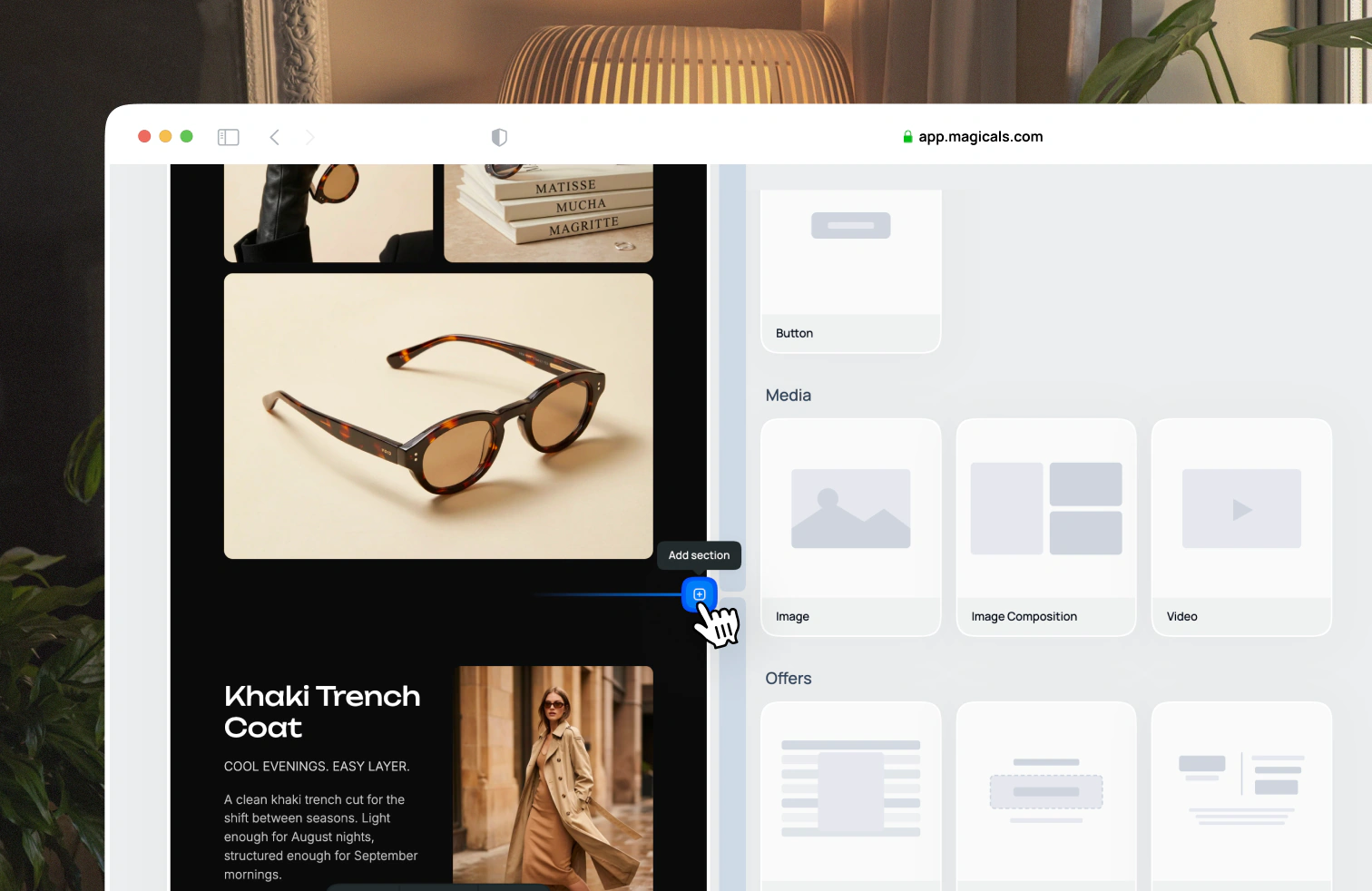
To add an image section in Magicals, hover over a space between two sections where you want to place the Figma image and click the + icon.
Select the placeholder image, then use the upload button above the image gallery to upload your exported Figma image.